Bug Report - Copying and Pasting Text Labels Removes Room Add-ons

Paul Wilson
Measure Desktop
V17.1 Build 4525
Bug is repeatable.
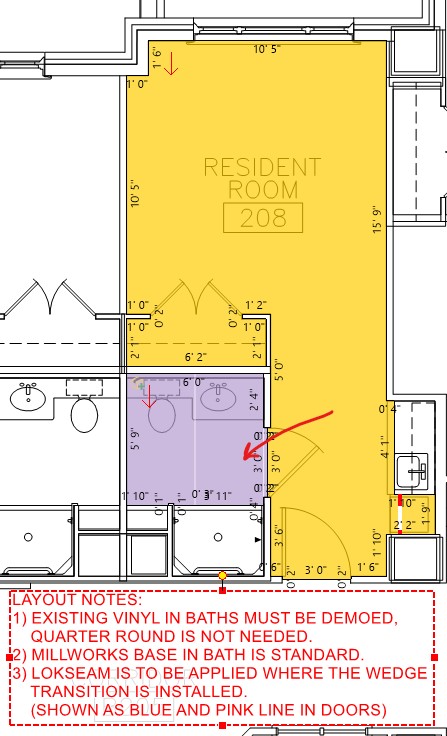
When you create a Text Label, if you copy and paste it to a new sheet, it removes Add-Ons on that page.
Temporary Fix
Paste your Text Label then use CTRL-Z to undo the paste. Your Add-Ons will appear again. Paste you Text Label again and everything should remain as normal.
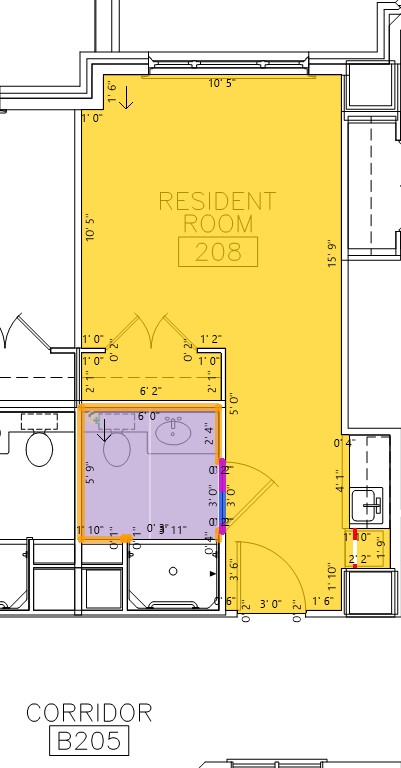
When you paste the Add-Ons dissapear.
Comments
Hi Paul,
Please update to v17.2 build 4752 and this will correct this issue.
Measure Desktop Download and Installation Instructions – Measure Flooring
This issue has been corrected.
Please sign in to leave a comment.