
The extend room tool allows you to add a new section to an existing room.
Video Tutorial
How to Extend a Room
1. From the drawing screen tap the blue plus icon  .
.
2. Select the Extend Room tool  at the top.
3. Plot the points to create the new section. You can tap on the screen tracing a shape, enter wall segments manually using the keypad, or use a Disto after placing the first point.
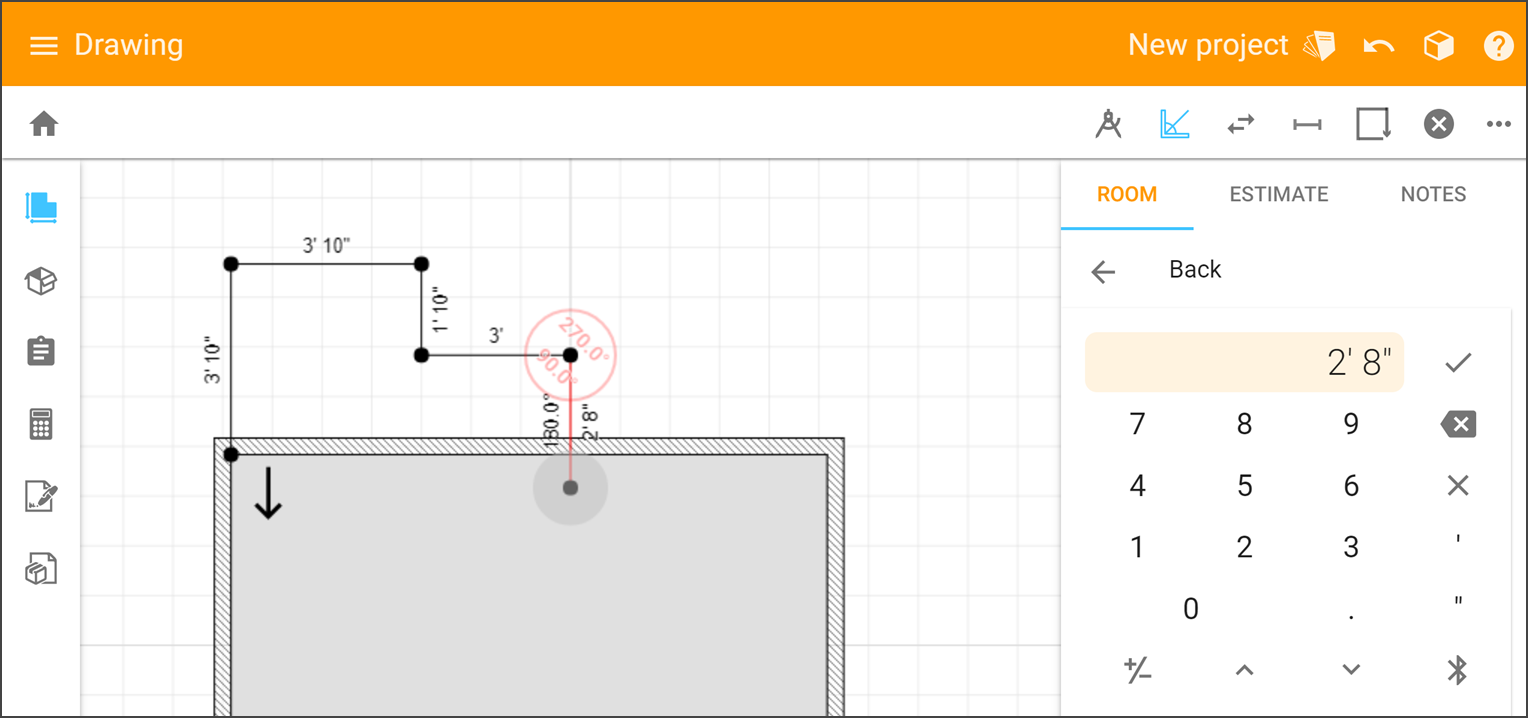
4. Tap the Close Room button  to complete the section.
Additional Options
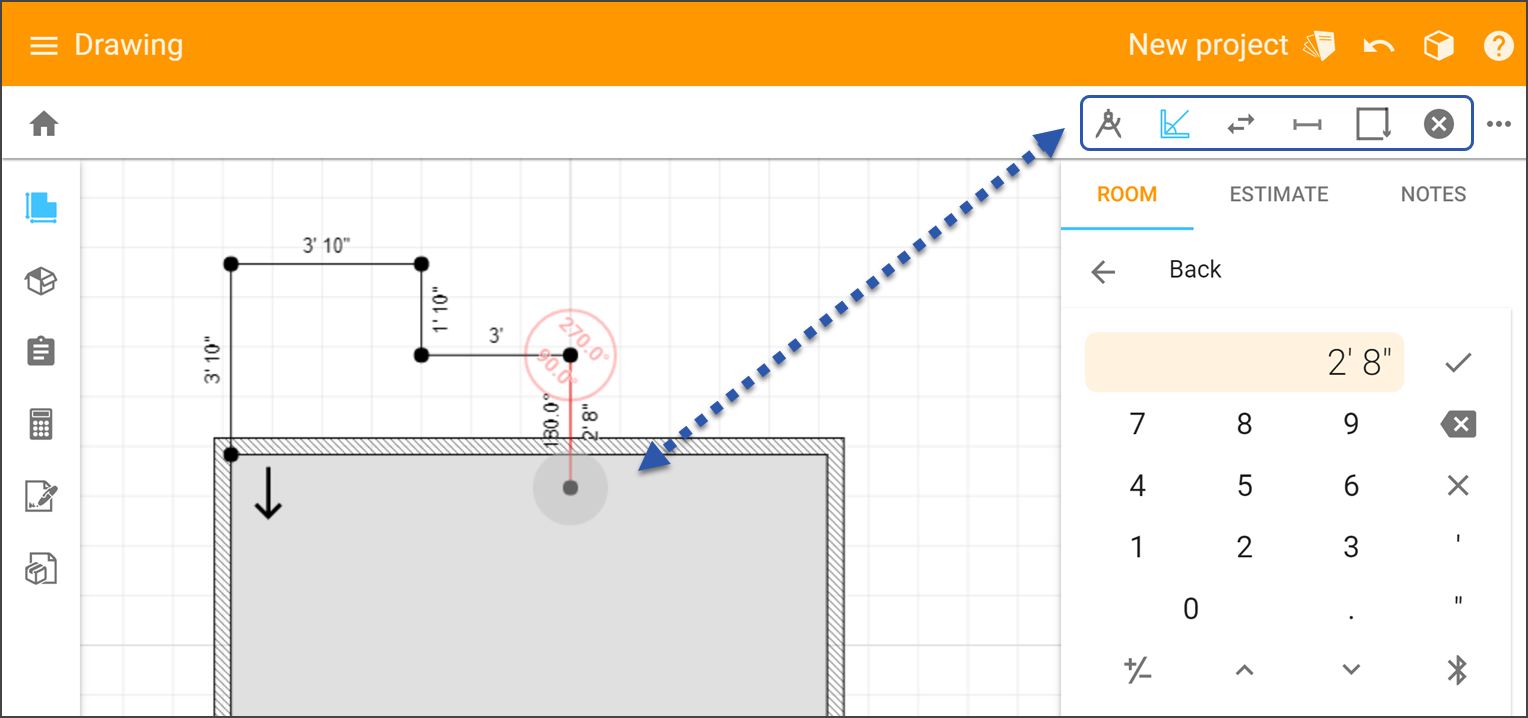
 |
Closes the the Extend Room tool without making changes to the room. |
 |
Switch between the first and last line segments drawn to continue drawing from that point. |
 |
Toggle angle snapping at 45 increments. If the icon it blue it means snapping is on. |
 |
Find angle of wall segment. For how to use this feature please see our Free Draw article. |
 |
Adds a transition as a new segment and in the same direction as the previous one. |
Comments
Please sign in to leave a comment.